

Key Features That Define What a DAW Can Do
Every DAW looks different on the surface, but they all share the same toolbox under the hood.
Audio Recording
A DAW captures sound straight from a microphone, instrument, or audio interface and turns it into a digital file you can edit endlessly.
You can record one take or stack dozens of layers, punch in fixes on a single word, and never touch a physical tape.
MIDI Sequencing
MIDI lets you write and edit musical notes without recording live audio at all, ideal for programming drums, bass lines, or full arrangements.
Because MIDI data is just instructions, you can change the instrument, tempo, or notes after the fact without re-recording anything.
Mixing and Effects Processing
Once your tracks are recorded, a DAW gives you the tools to balance volume, shape tone, and add depth through built-in effects like reverb, compression, and EQ.
These tools replace a physical mixing console, putting studio-grade processing inside your laptop.
Editing and Arrangement Tools
You can cut, copy, stretch, and rearrange audio or MIDI with precision, fixing timing issues or restructuring a song in minutes.
Drag-and-drop arrangement views make it easy to experiment with song structure before committing to a final version.
Virtual Instruments and Sound Libraries
Most DAWs ship with built-in synths, drum kits, and sampled instruments, so you can write full arrangements without owning a single physical instrument.
Third-party plugin support extends this further, letting you load orchestral libraries, vintage synth emulations, or custom sample packs.
Exporting and Mastering
When the mix is done, a DAW renders your project into a finished audio file ready for streaming platforms, video, or physical release.
Many include basic mastering tools too, so a track can go from rough mix to release-ready without leaving the program.
Why Every Modern Musician Needs a DAW
A DAW replaces tens of thousands of dollars in studio hardware with software that fits on a laptop.
It also removes the barrier of booking time in someone else’s studio, since you control the entire process on your own schedule.
Beyond cost, a DAW gives you creative control that analog gear never could, including unlimited undo, instant recall of old projects, and room to experiment freely.
Collaboration gets easier too, since most DAWs let you share project files or stems with other musicians anywhere in the world.
Popular DAW Examples Worth Knowing
Dozens of DAWs exist, but a handful dominate the conversation among working musicians and producers.
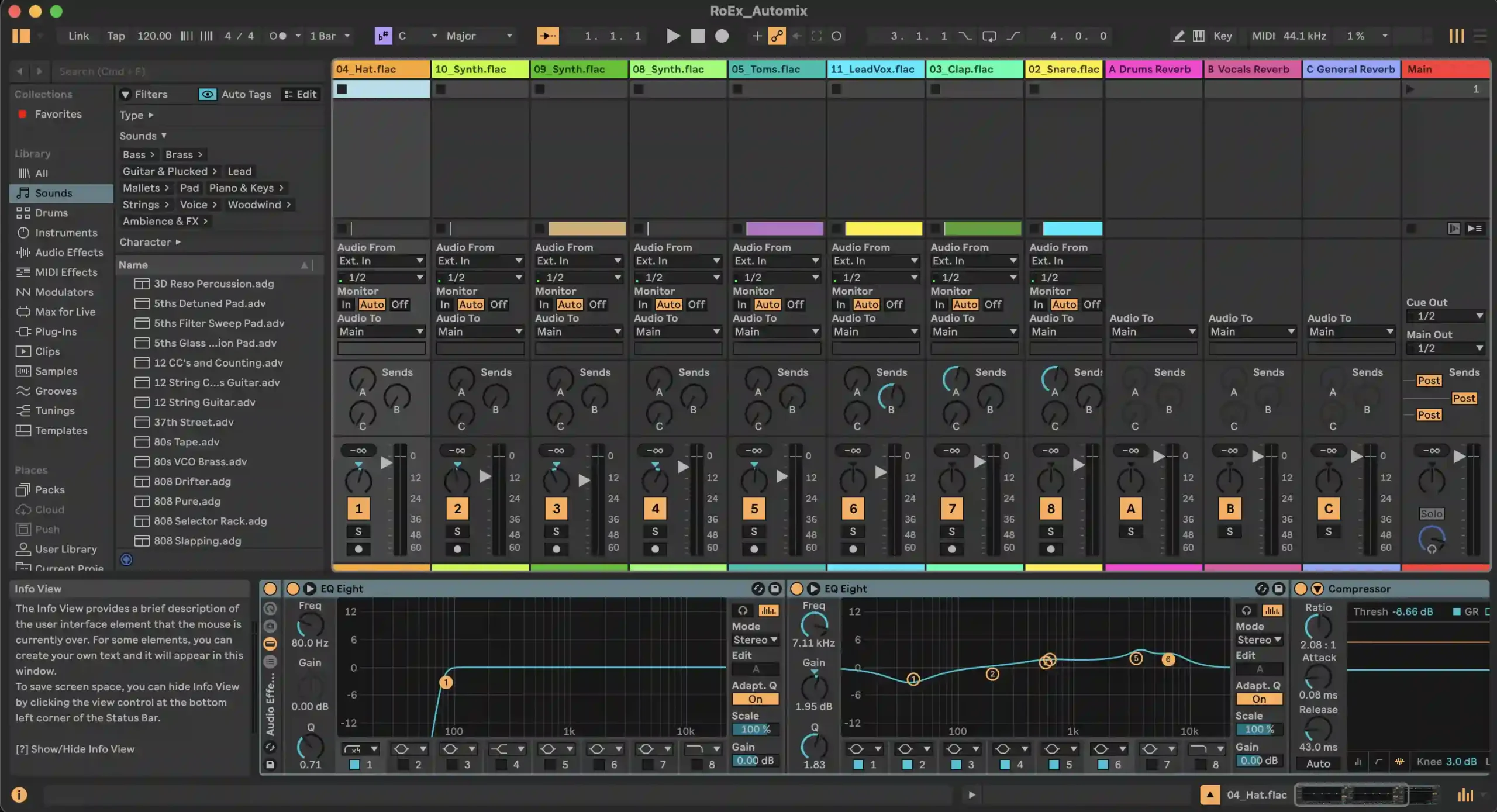
Ableton Live
Built around a flexible session view, Ableton Live is the go-to choice for electronic musicians, live performers, and anyone who works in loops and samples.
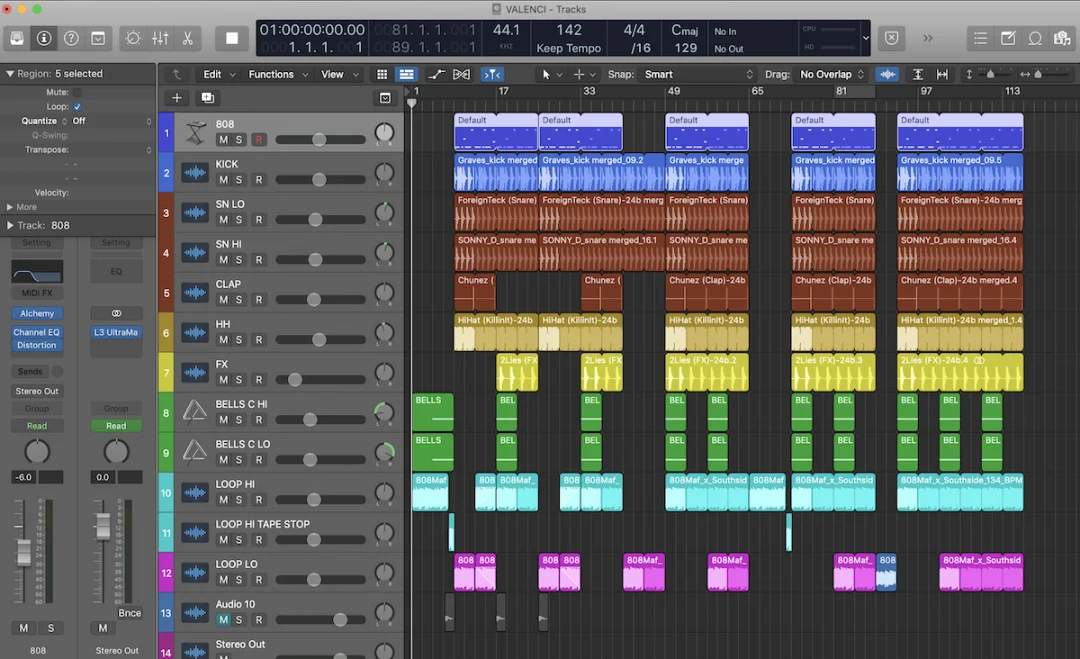
Logic Pro
Available only on Mac, Logic Pro pairs a deep instrument library with a clean interface, making it a favorite among songwriters, composers, and podcasters.
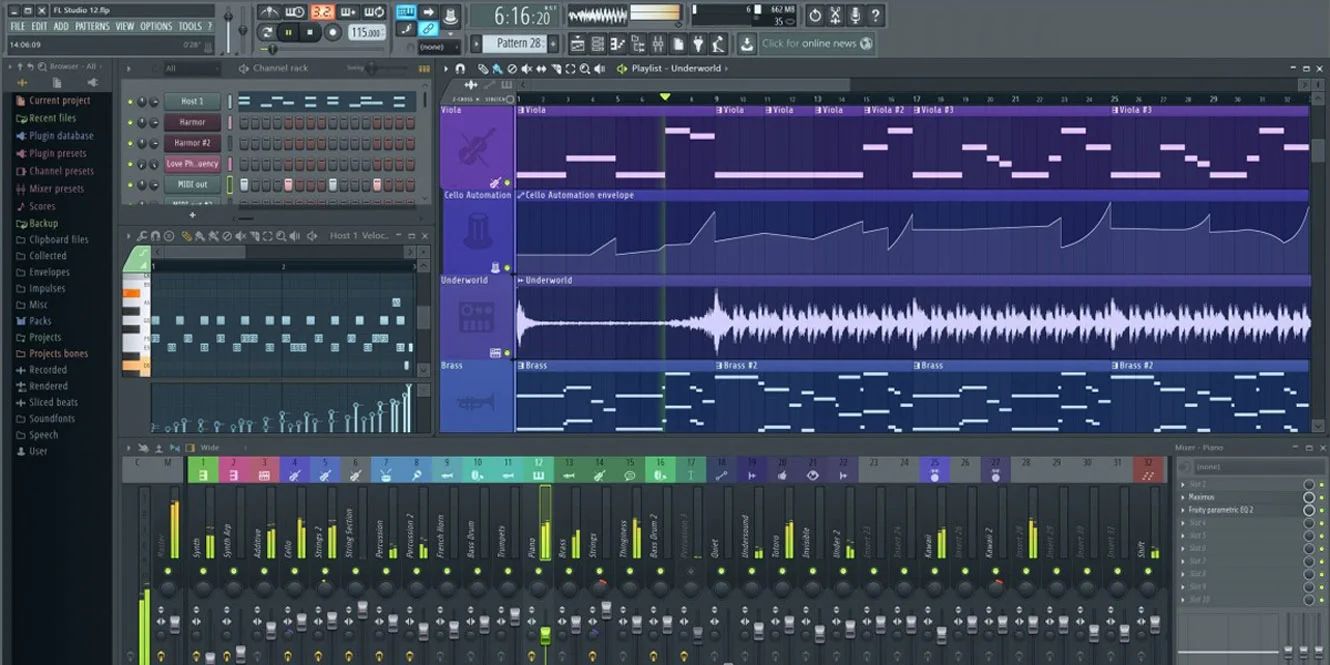
FL Studio
FL Studio grew out of the beat-making and hip-hop scene and remains known for its pattern-based workflow and lifetime free updates.
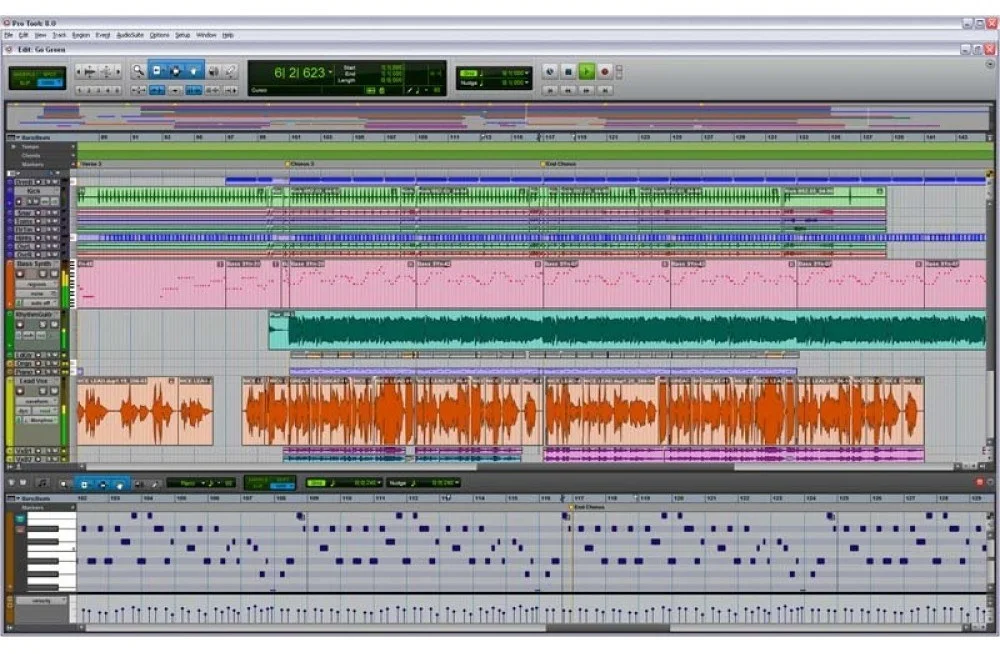
Pro Tools
Pro Tools is the long-standing standard in professional recording studios and post-production houses, prized for its rock-solid audio engine and industry-wide compatibility.
Choosing the Right DAW for Your Workflow
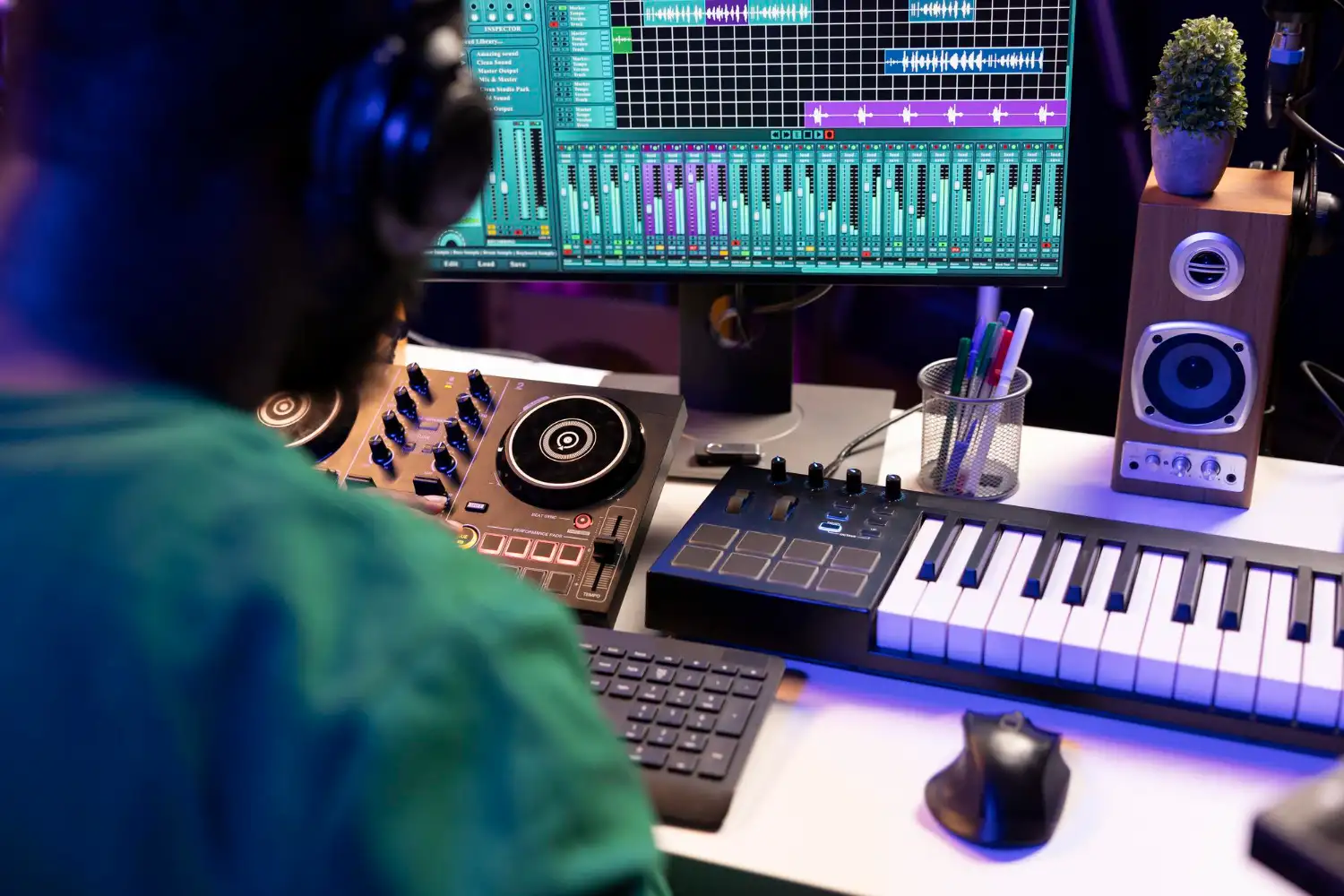
The best DAW is the one that matches how you actually make music, not the one with the longest feature list.
If you produce loop-based electronic tracks, prioritize a flexible arrangement view; if you record live bands or vocals, prioritize audio editing precision and plugin support instead.
Getting Started With Your First DAW
Now that you know what a DAW is, the next step is simple: pick one, install it, and start a project today.
Most DAWs offer a free trial or a lighter free version, so you can test the workflow before committing to a purchase.
Once you’re comfortable recording and arranging inside your DAW, explore dedicated mixing software to take your sound from rough draft to release-ready.